Capstone Spring 2026

Process Documentation

MOSH is a social platform designed to enhance the concert experience. You can create or join groups, meet up before a show, and experience the energy of live music together with your new crew. Turn every concert into a social experience - find your show, find your people, and FIND YOUR MOSH!

MOSH was built by Carter Albers, Cooper Jones, and Mia Paulson as our Capstone project for the B.S. Creative Technology and Design program at the ATLAS Institute, University of Colorado Boulder in Spring 2026.

Visit MOSH

Design

The design phase moved from rough structure to high-fidelity screens. This section covers wireframes, visual direction, logo work, and the Figma prototypes that guided development.

Research to Structure We translated user goals into low-fidelity wireframes and priority page flows.
Brand Alignment Moodboards and palette studies narrowed visual direction before high-fidelity design.
Prototype Validation Desktop and mobile mockups were reviewed and iterated with mentor feedback.

Wireframes

Low-fidelity structures mapped page flow, content priority, and navigation before styling decisions were finalized.

Logo Design

The MOSH wordmark went through multiple rounds of sketching and vector refinement before landing on a letterform built directly from an audio symbol.

Style Guide

The MOSH style guide codified the final color palette, typography, logo usage rules, and component decisions so design and development could stay consistent through the final build.

Prototype Evolution

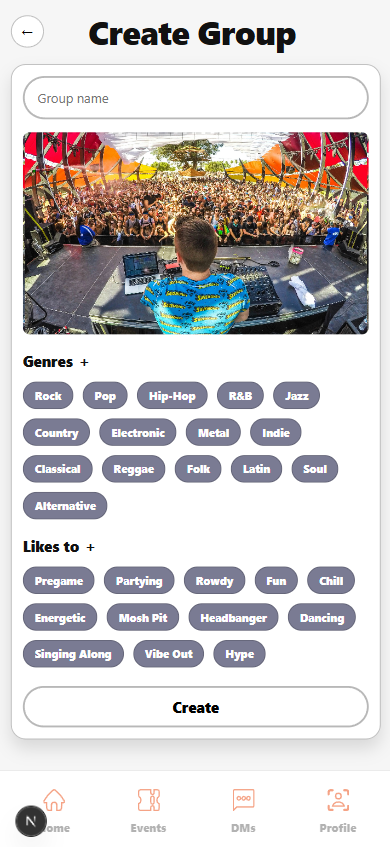
High-fidelity prototypes translated visual direction into clickable interaction patterns, iterated across multiple rounds from initial screens to a fully revised and color-updated system.
Figma Prototype

Development

Development turned the approved designs into a working app. This section covers React component work, feature implementation, and backend integration.

Component Foundation Reusable React components accelerated implementation across events, messaging, and profiles.
End-to-End Features Core user journeys were connected from interface actions to backend data updates.
Service Integration Authentication, database operations, and APIs were unified into stable release workflows.

Stack Decisions

Every technology choice was made to reduce boilerplate and keep the team focused on product rather than infrastructure.

React + Next.js — React gave us a component model that mapped cleanly onto a feature-rich social app: reusable cards, modals, and feed layouts could be built once and composed everywhere. We chose Next.js on top of React for its file-based routing, which meant Carter could stand up new pages quickly without wiring a separate router, and the framework's deployment story on Vercel made continuous delivery straightforward throughout the semester.

Convex — MOSH needed real-time data: group chats that update without a refresh, RSVP counts that change as users tap, and a feed that stays current. Convex gave us reactive queries out of the box, so components subscribed to data and re-rendered automatically whenever the backend changed. It also handled the database schema, serverless functions, and file storage in one platform, which meant Cooper could ship backend capabilities without standing up a separate API server or managing a database connection layer.

Clerk — Authentication is one of the hardest parts of any app to get right and one of the easiest to get wrong. We offloaded it entirely to Clerk, which gave us sign-up, sign-in, session management, and user identity out of the box with a few lines of configuration. Clerk's built-in integration with Convex meant Cooper could scope every backend query to the authenticated user without building any auth middleware from scratch.

React Prototypes

Reusable components and route-based layouts were built first to validate responsiveness and interaction behavior before deep data integration.

Feature Buildout

After prototyping, complete user journeys were implemented end-to-end, progressing from component scaffolding to live backend integration and final polish before deployment.

Backend Systems

Convex and Clerk supported data and authentication layers while API integrations enabled personalized and real-time experiences.

Final Product

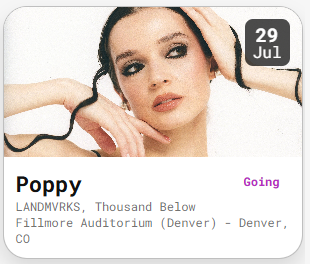
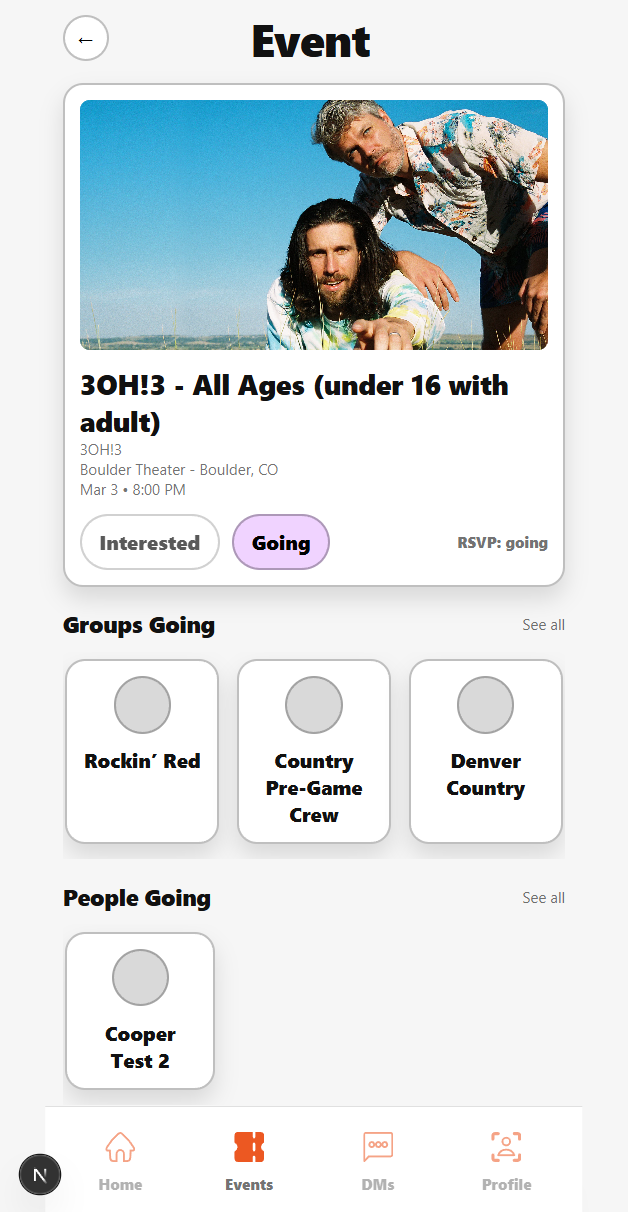
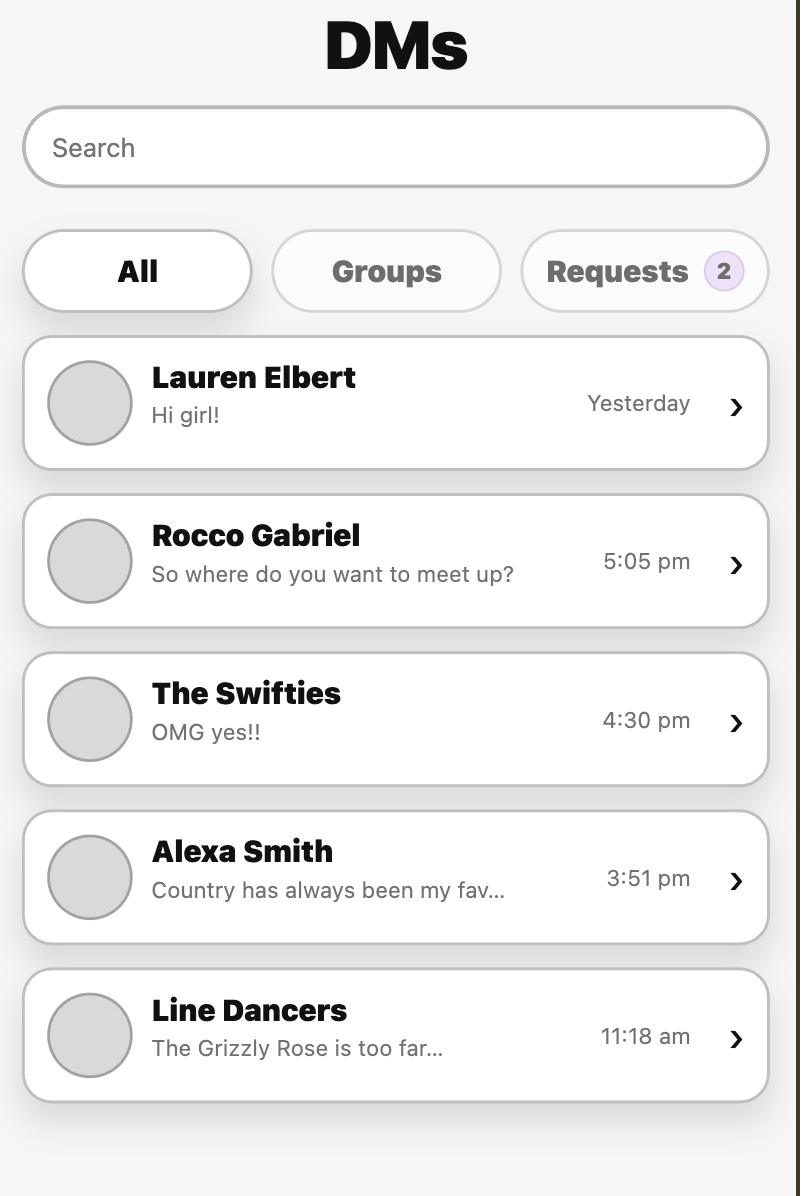
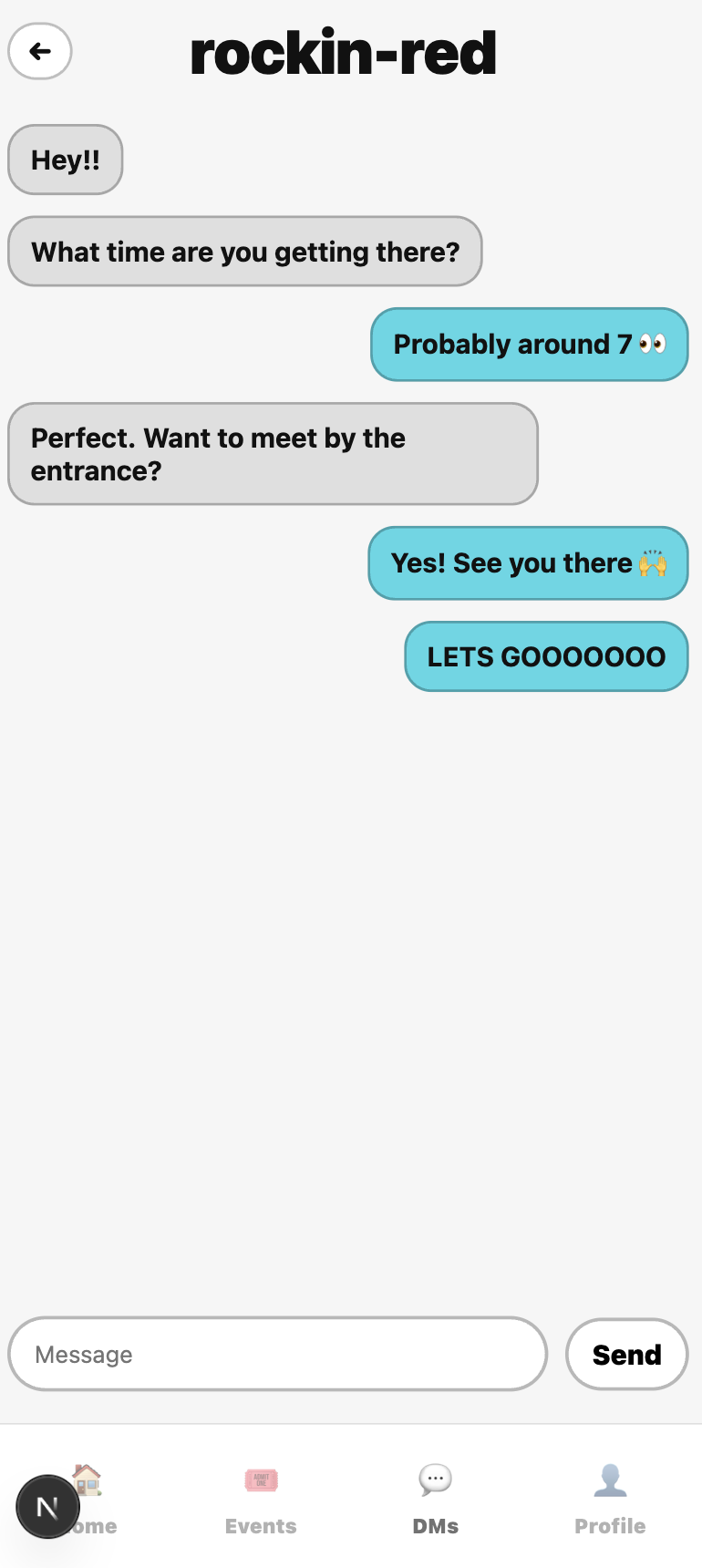
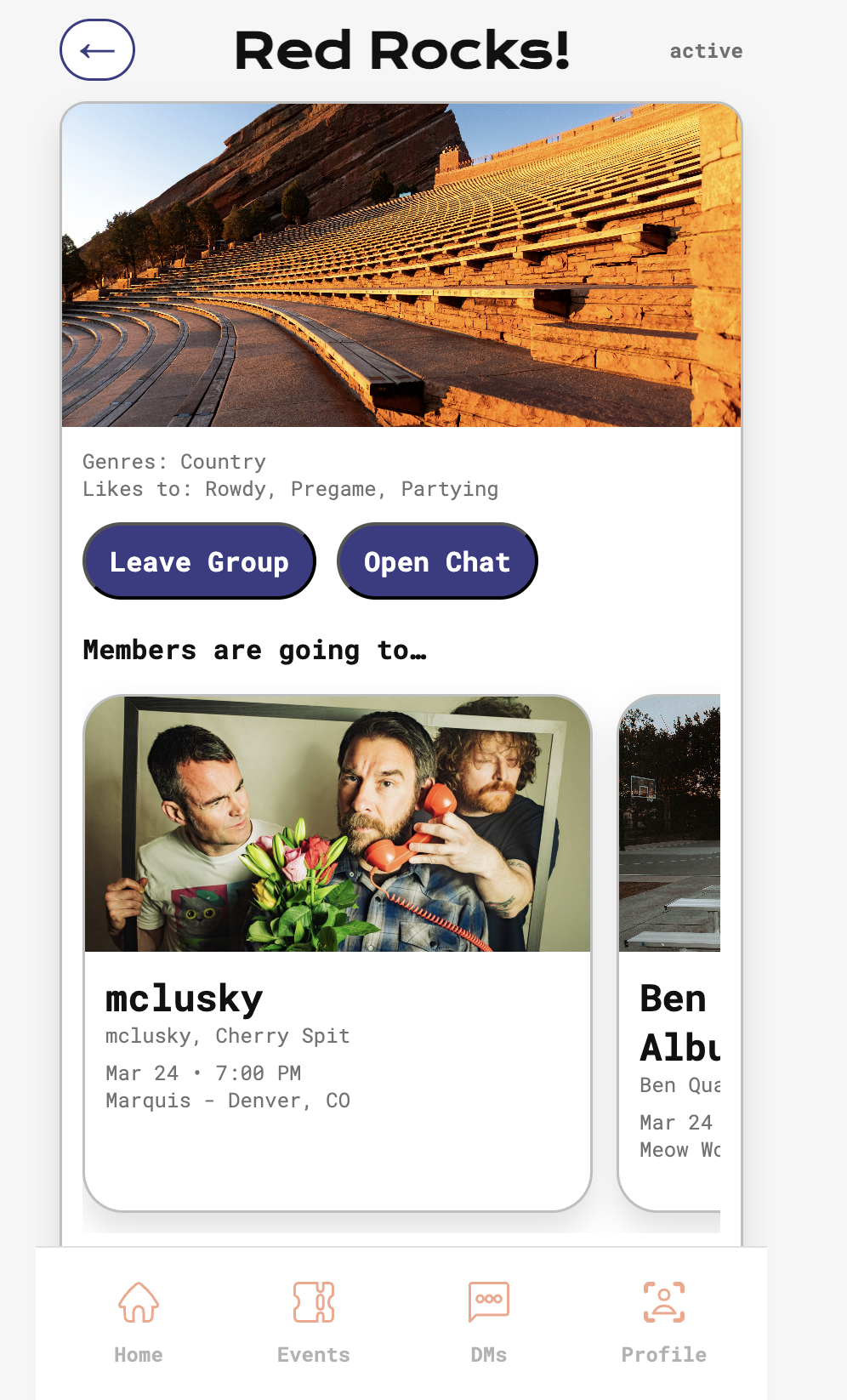
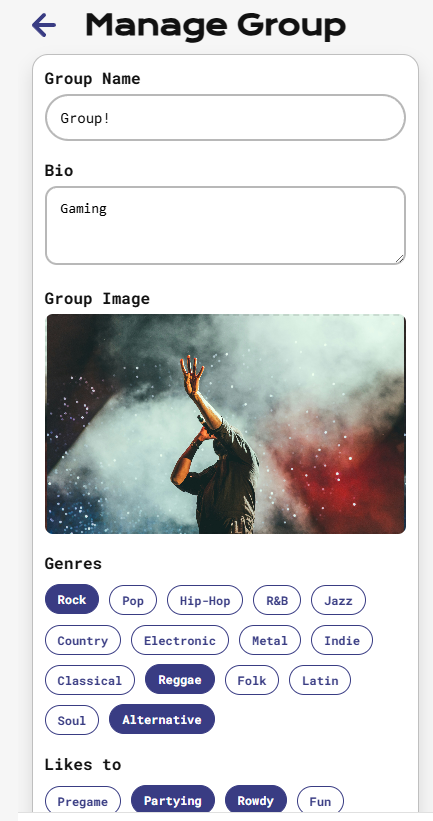
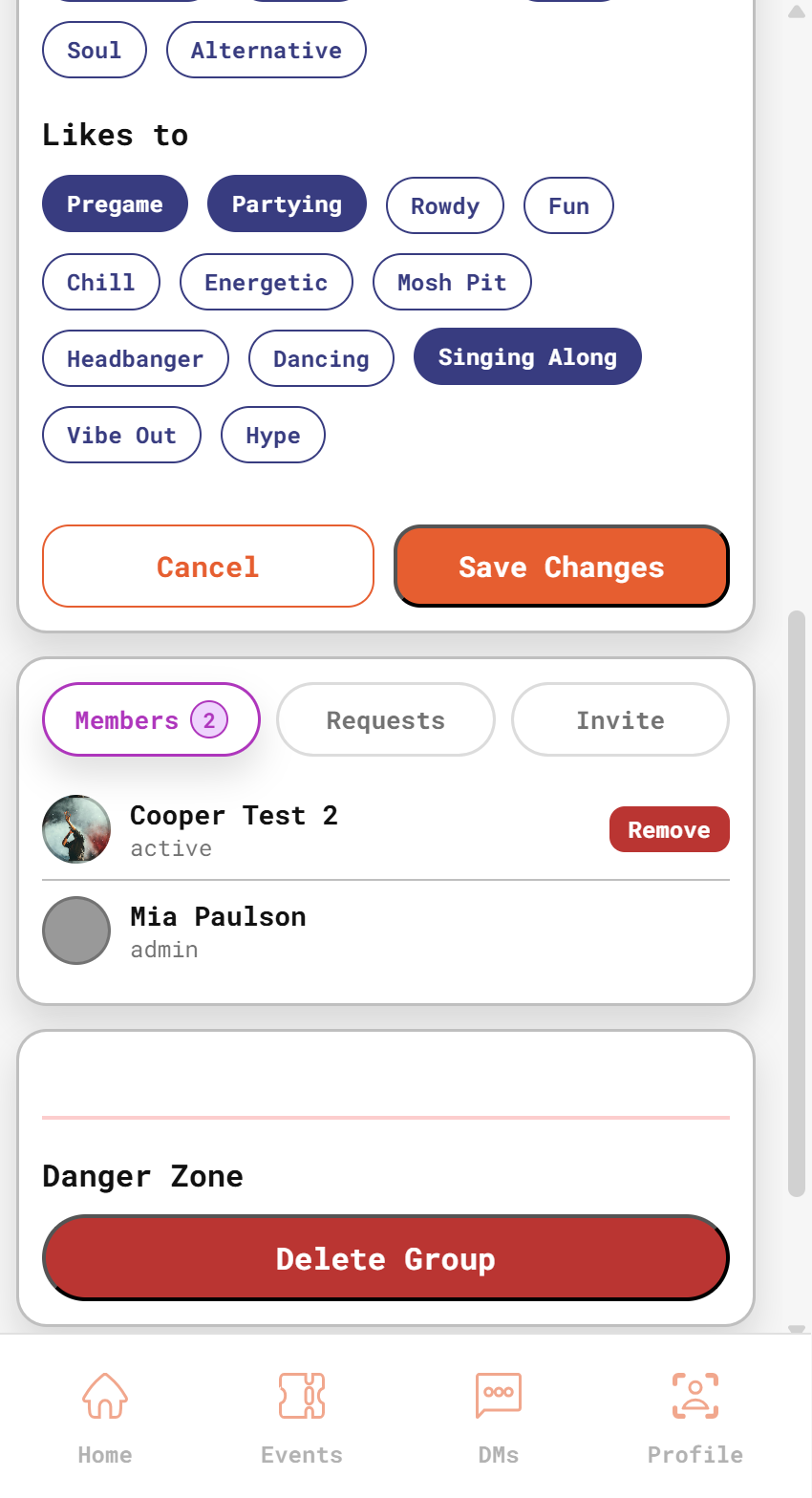
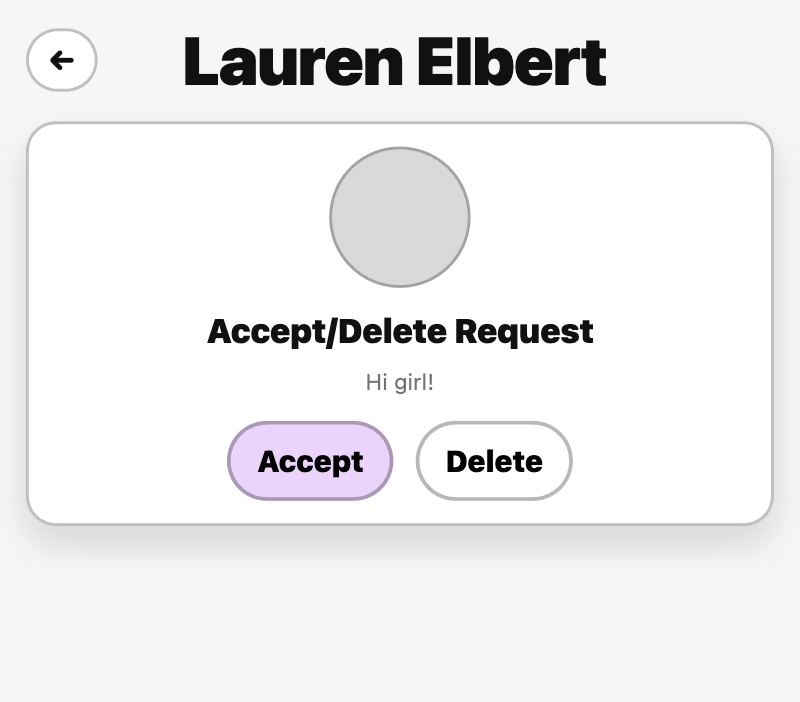
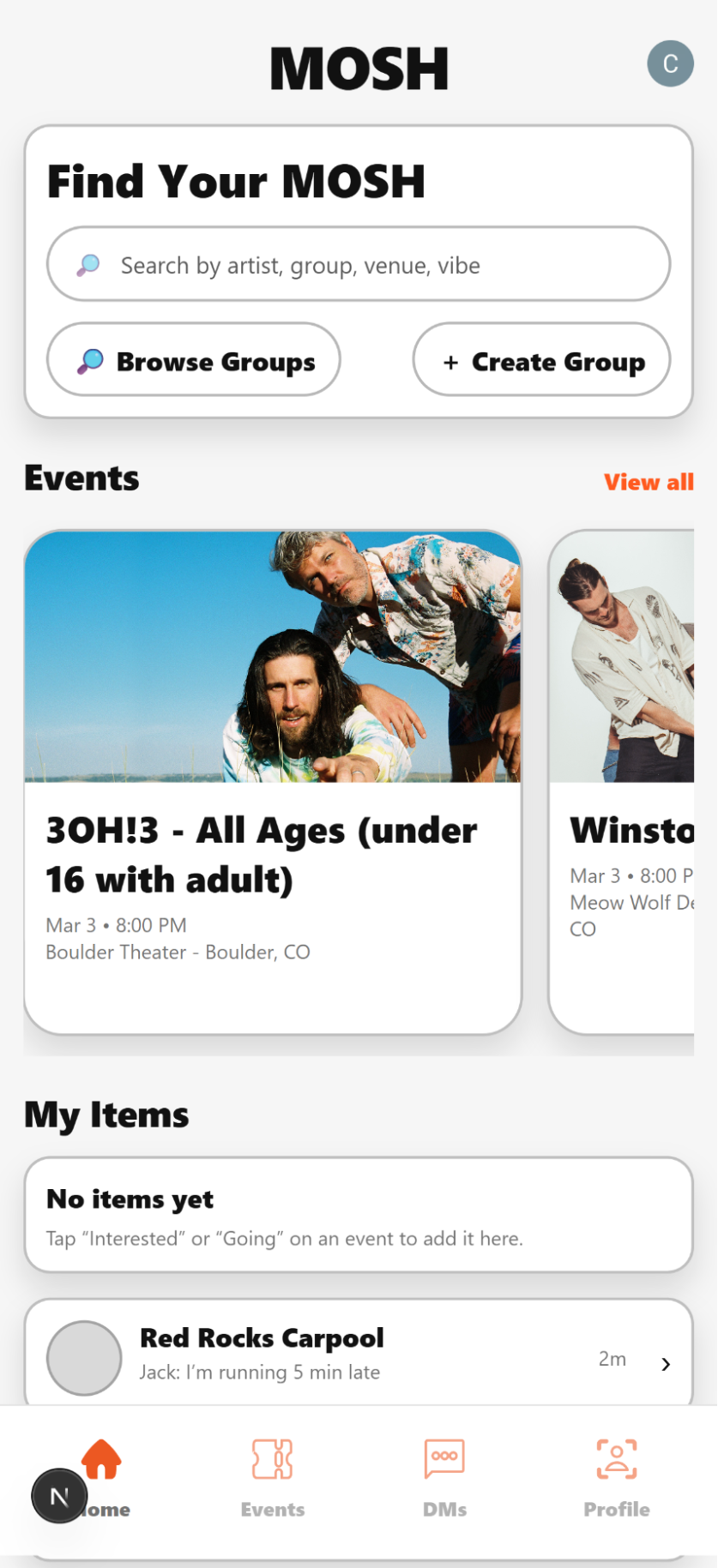
MOSH launched at mosh-social.com as a deployed social app for concert-goers. These screenshots show the live app across its core features.

Event Discovery Real Ticketmaster data powers the home feed, event cards, and RSVP flow.
Social Features Real-time messaging, group creation, and friend connections built on Convex.
Personalization Profiles reflect genre preferences, concert vibe, and group memberships.

Events, Messaging & Groups

Events, messaging, and groups running on live backend data.

Profiles, Search & Onboarding

User profiles, search, and onboarding flow for the MOSH app.

App Renders

High-fidelity renders showing the final MOSH UI across key screens.

Demo Video

A walkthrough of the full MOSH experience.

Testing

User testing ran throughout the project, not just at the end. Usability sessions and structured QA cycles happened in parallel with design and development, and findings fed directly back into both.

Usability Rounds Real users completed scenario-based tasks during design and development, not just at the end.
Feedback Loop Findings were prioritized and mapped directly to design and development action items.
Final QA Checks Pre-delivery reviews verified consistency, reliability, and presentation readiness.

Usability Testing Rounds

Participants completed key user tasks while the team captured friction points in discoverability, interaction speed, and navigation clarity.

Round 1 - Wireframe A/B Testing & In-Person Interviews

Mia distributed a Google Form to gather early feedback on wireframe layout options across the home, event, DM, and profile pages. The most-liked layouts were used as the baseline for the first Figma prototype. She then conducted 10 in-person usability sessions, watching participants work through the prototype with minimal instruction. Key findings:

  • Users understood the core concept (concert-focused social app) but felt slightly unsure where to start.
  • Navigation was mostly clear, but labels and icons needed improvement, particularly around Community vs. Groups.
  • Most users expected to click an event card first and then message or coordinate from there.
  • A simple onboarding flow was flagged as missing, users wanted a "start here" moment.

Round 2 - Hi-Fi Prototype Video Interviews

Two structured video interviews were conducted with the high-fidelity Figma prototype. Both participants were in their mid-20s and had recently moved to a new city, matching the target audience. Key feedback from each:

  • Connor: Liked the event marking (Interested/Going) and group chat features. Noted that clicking a group from "My Items" should go to the DMs rather than the group profile. Found the + button for creating a new group unclear. Wanted a ticket link on the event page.
  • Aidan: Liked the public/private visibility for "People Going." Wanted photo albums tied to events. Suggested separating groups you administer from groups you're just a member of. Found the home page search functionality unclear at first glance.

Round 3 - Broader Usability Survey

A third round used a structured form and captured responses from a larger group of participants. The pattern was consistent: users understood the general concept but needed more clarity about what to do first and what each section was for. The biggest friction points were not missing features but clarity gaps in labeling, navigation, and information hierarchy. What worked well: event pages were easy to scan, the combination of DMs and group chat was a consistent positive, and the core concept of meeting people at the same show resonated strongly.

Mentor Reviews

Four structured sessions were scheduled across the semester with outside reviewers covering frontend development, professional design, branding, and UX. Each session produced direct, actionable feedback that was folded into the next sprint.

Peter Rosenthal

Frontend/web development instructor at ATLAS. Reviewed the Figma prototype with the full team.

Peter noted that the Groups section on the home page wasn't visually prominent enough to draw users in. He flagged that clickable elements in the profile (groups, friends) didn't clearly communicate that they were interactive. The search component was described as too dense for mobile, and he suggested a collapsed search bar that expands on tap. His overall read was positive: solid foundation, features were well thought through, and the web app direction made sense.

Cade Dannels

Head developer at The Colorado Floor Company. Reviewed the prototype with Mia.

Cade responded positively to the "Groups Going" feature, calling it a strong differentiator for the target audience (young adults new to a city looking to meet people). He wanted more color on the event detail page and suggested filtering by venue and location since the prototype was heavily Red Rocks-centric. He also echoed Peter's note that the groups and friends sections on the profile needed clearer affordances to show they were tappable.

Joel Swanson

Branding and visual identity instructor at ATLAS. Reviewed early logo sketches and the Figma prototype with Mia.

Joel's main branding guidance was to lean into the word MOSH itself, work with rounded letterforms to match its softer sound, and consider a circular motif referencing the pit. He advised removing black outlines from the prototype UI, being more consistent with angles across components, and going bolder with the color palette. He also recommended a branding packet of around 7 pages covering lockups and usage examples.

Brittney Urich VanHorssen

UX design professor at ATLAS. Reviewed UX design and branding with Mia.

Brittney's primary feedback was that the color palette had too many colors and advised consolidating to shades of a single color with orange as the accent. She flagged several component-level issues: the nav bar needed labels, tags should be outlined rather than filled, icons needed to be a consistent size from a single icon set, and a four-column grid should be applied in Figma to tighten layout consistency. She also noted that profile tags should be reversed and that the settings page styling needed adjustment.